
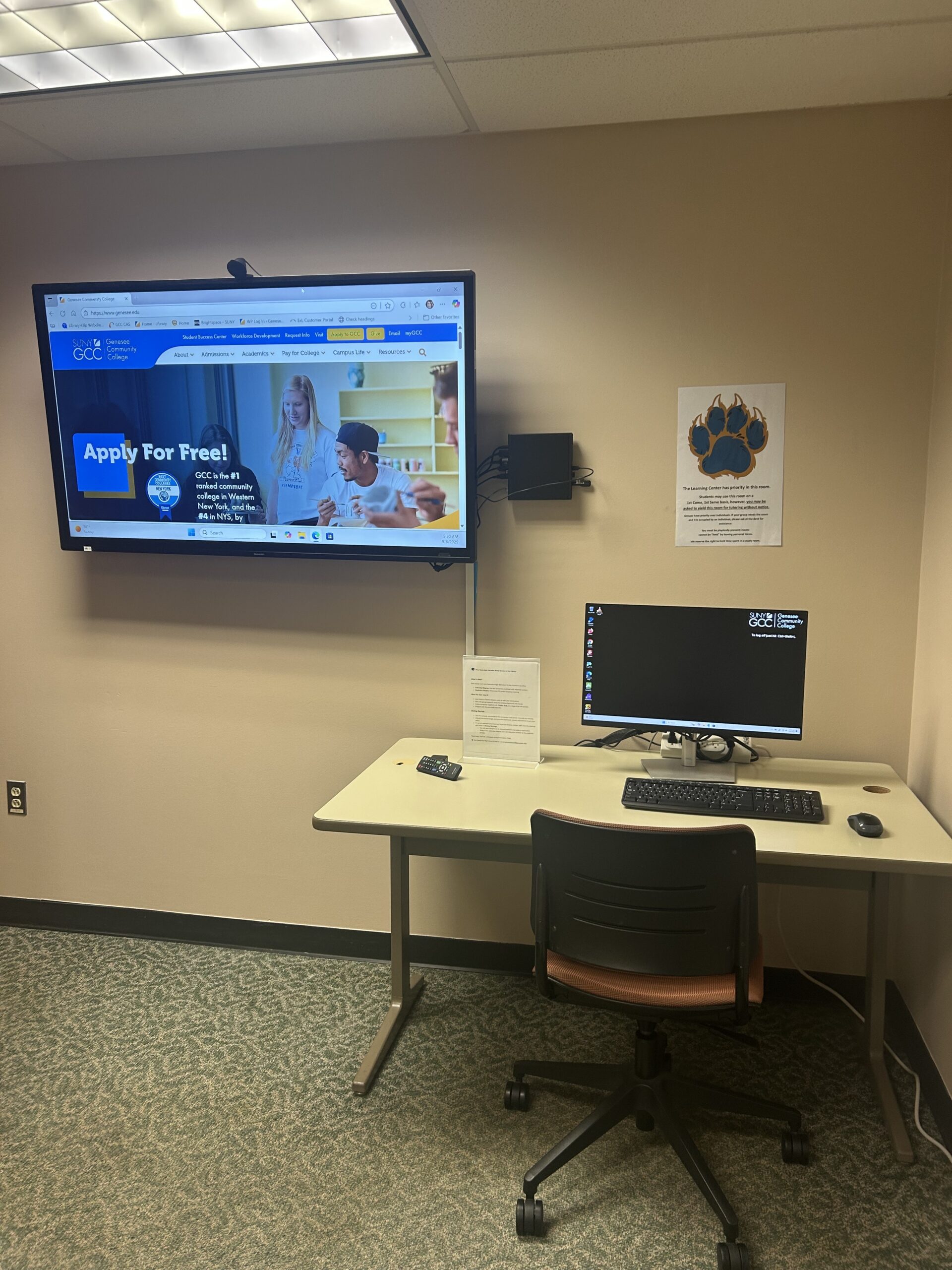
Looking to supercharge your study sessions or group meetings? The library’s study rooms just got a major upgrade with large-screen TVs connected to in-room PCs—designed to make collaboration, research, and remote learning easier than ever.
💡What’s New?
💡What’s New?
Each study room now features a high-definition TV that functions as either:
- Extended Display: Use two screens to multitask with separate content.
- Duplicate Display: Mirror your PC screen for group viewing.
🔍 How You Can Use It (some examples):
- Join Zoom or Teams classes—solo or with your study group.
- Dive into group research using the wireless keyboard and mouse.
- Explore anatomy together with Visible Body on a larger-than-life screen.
- Present with the provided webcam.
🛠️ Getting Started:
The TV is already connected to the computer—just power it on with the remote.
Adjust the monitor angle and move the keyboard, mouse, and remote to suit your setup.
To switch between extended and duplicate display modes, right-click the desktop and head to Display Settings.
You will see a dropdown to choose between extended or duplicated.
Need help? Just ask a librarian at the Information Desk.